 Yupoodex
Sign in with Discord
Link your Discord account to log in with one click, and show your Discord name on your profile if you want to.
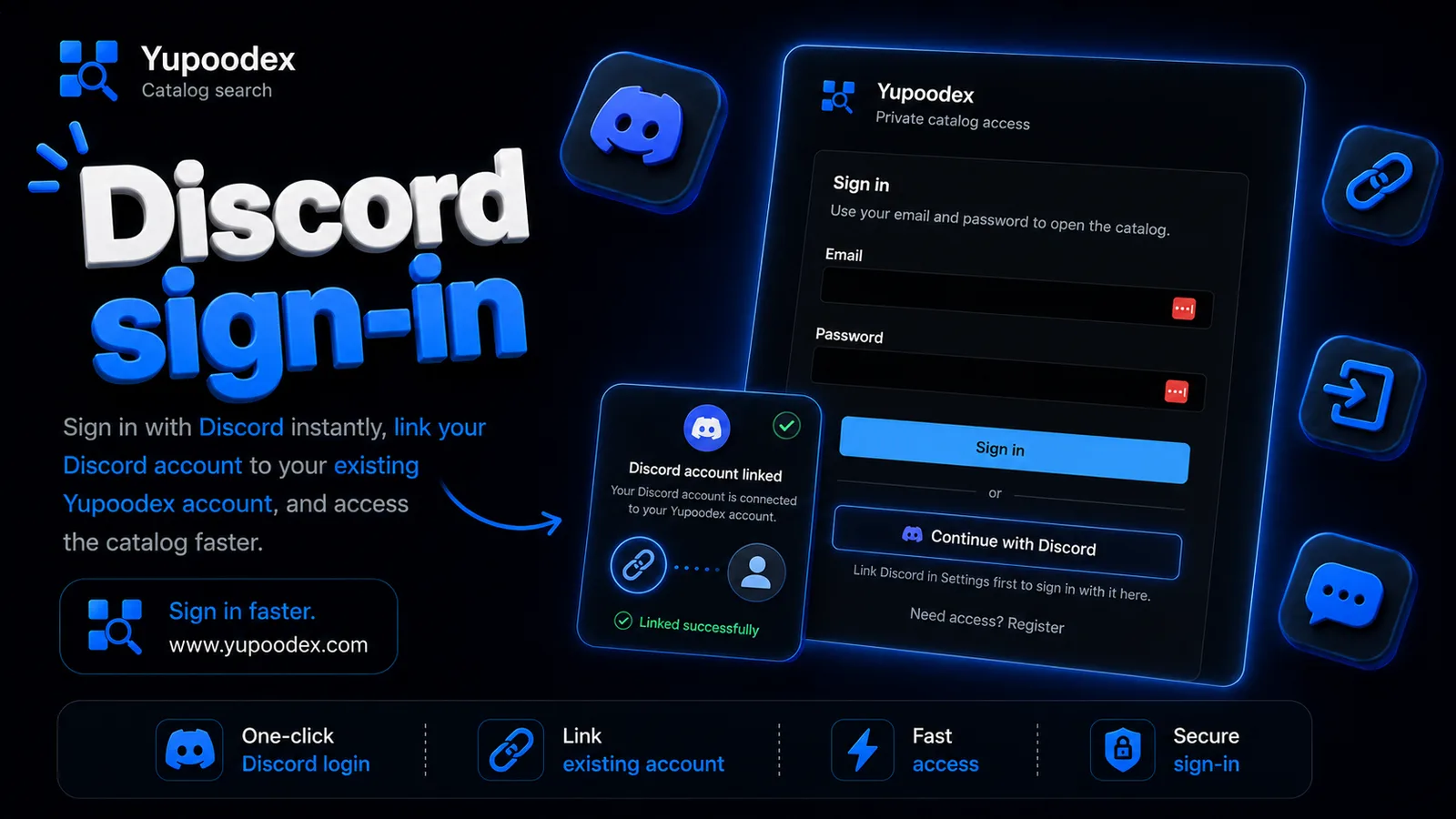
If you'd rather not keep track of another password, there's now a simpler way in. You can connect your Discord account to Yupoodex and sign in with it.
Linking your account
Go to Settings and find the Connected accounts box. Click Link Discord, approve it on Discord's side, and you're done. Your email and password keep working exactly as before, and you can unlink from the same spot whenever you want.
Signing in
Once your account is linked, the sign-in page shows a "Continue with Discord" button. One click and you're in, nothing to type. If you haven't linked yet, do that first in Settings and the button will log you in after that.
Showing it on your profile
Your Discord username and avatar can also sit on your public profile, next to the rest of your details. It's shown by default. If you'd rather keep it to yourself, open Edit profile and switch it to hidden.
None of this is required. If email and password suit you fine, nothing changes.